
Download
Get State888 on your phone.
State888 is on the App Store for iPhone and on Google Play for Android. Pick your store below.

On a computer?Scan this code with your phone's camera to open this page there, then choose your store.
Getting started
Three steps to your first day.
- Install and sign upCreate an account with email, Google or Apple, then choose a username and the sports you play.
- Connect Apple Health or Health Connect, if you want toOptional. Lets your sleep and workouts fill in your 8·8·8 automatically.
- Record an activity or find your peopleStart a GPS activity, or open Discover to find athletes, coaches, communities and events near you.
Requirements. An iPhone from the App Store or an Android phone from Google Play. The App Store and Google Play listings show the exact supported versions for your device.
Need help with installing or signing in? See Support or email support@state888.app.
Inside the app
A look before you install.
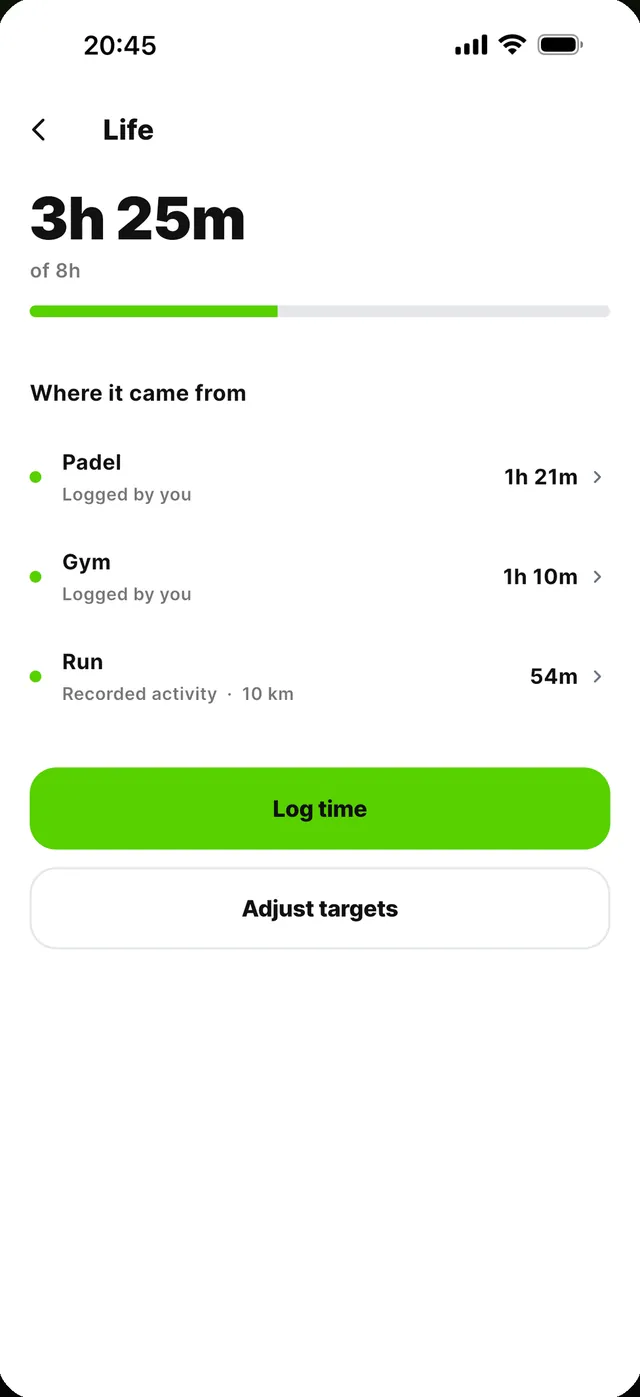
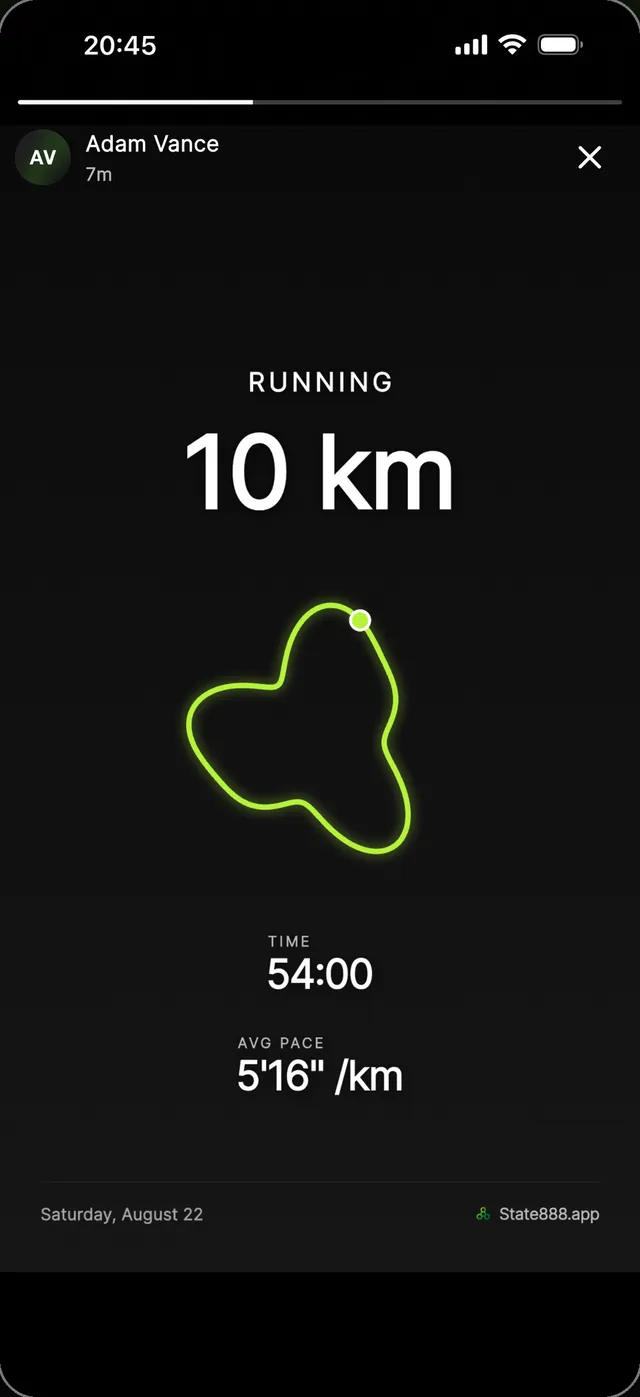
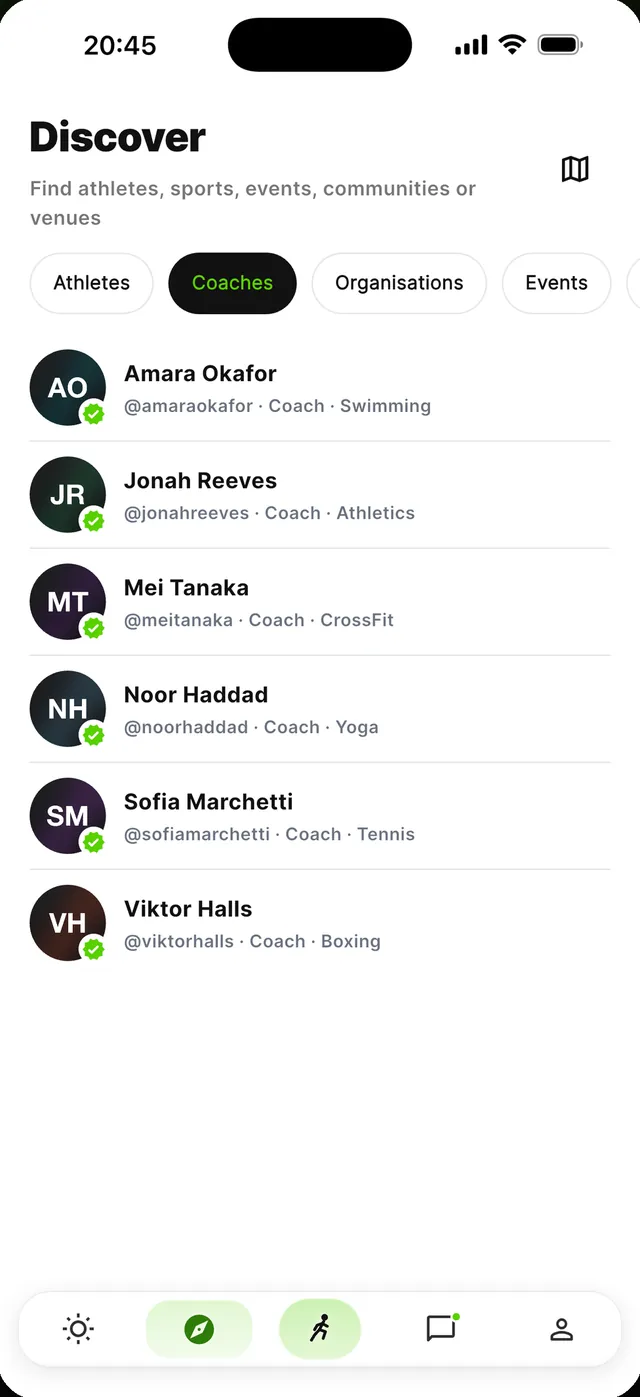
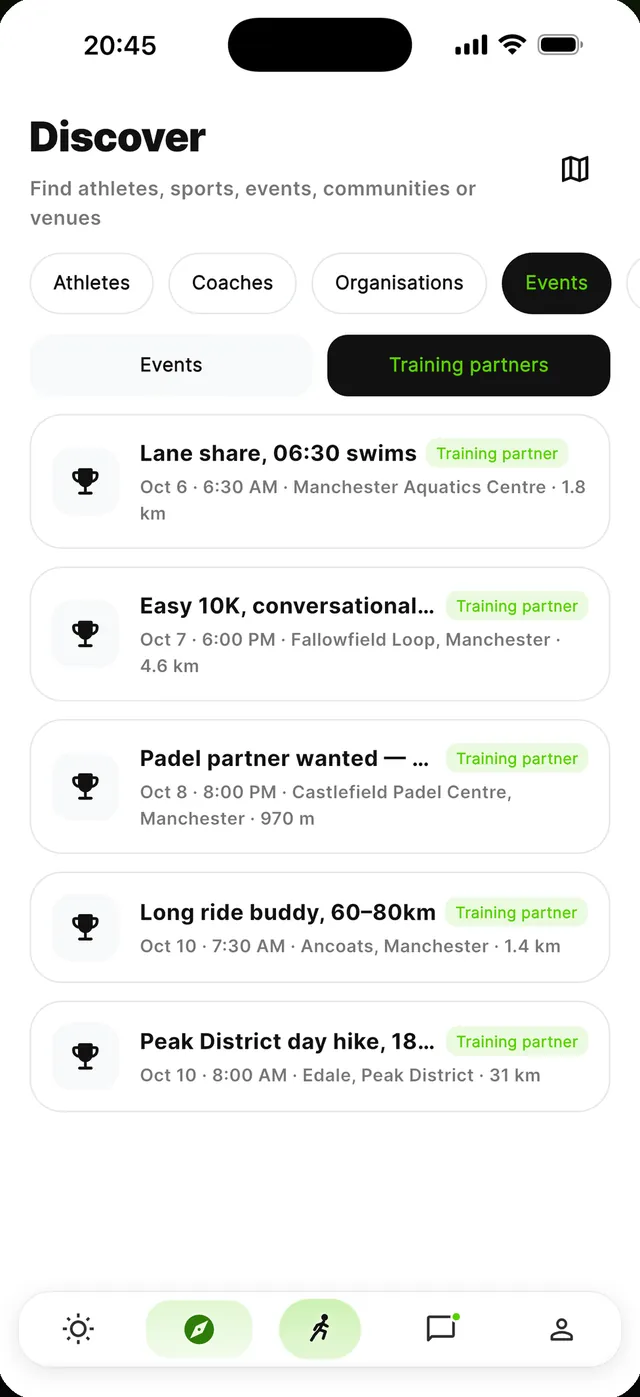
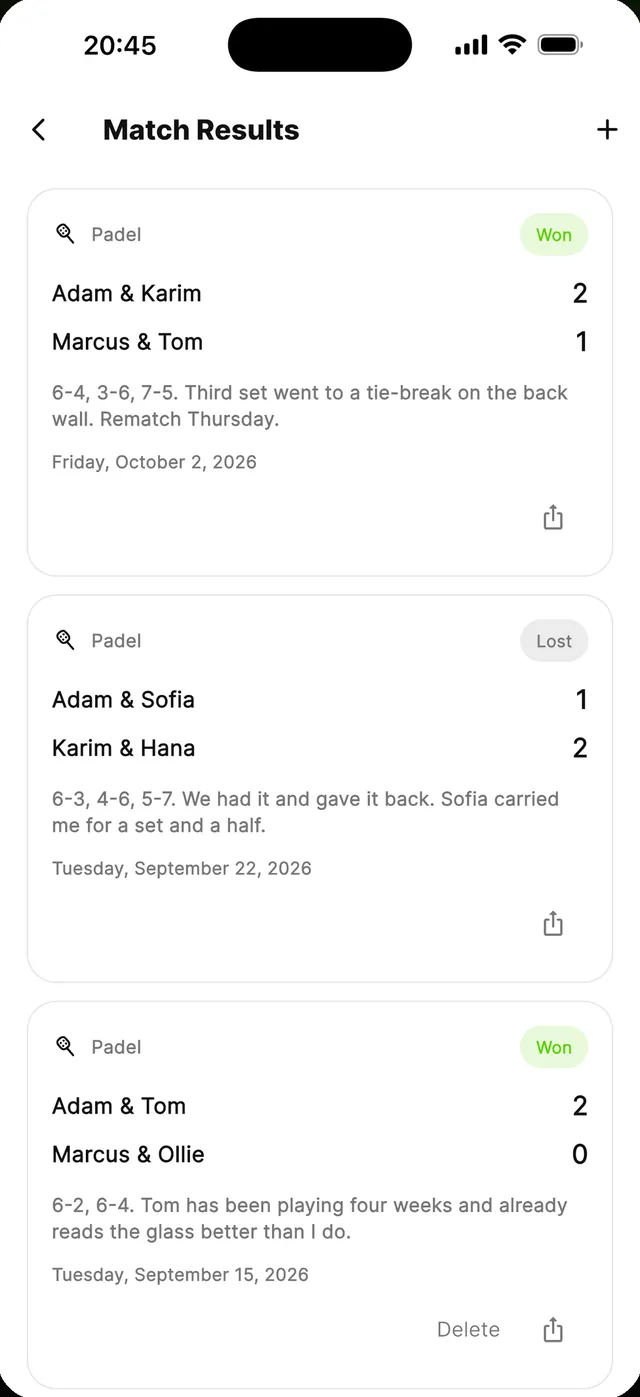
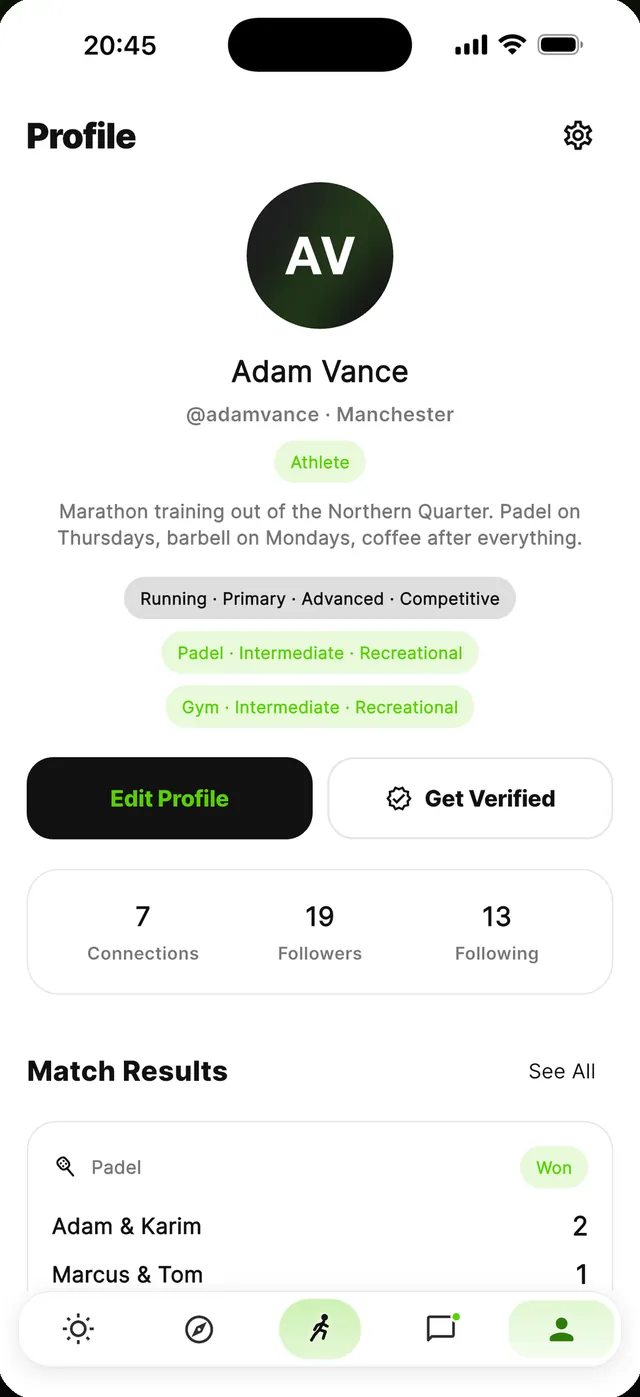
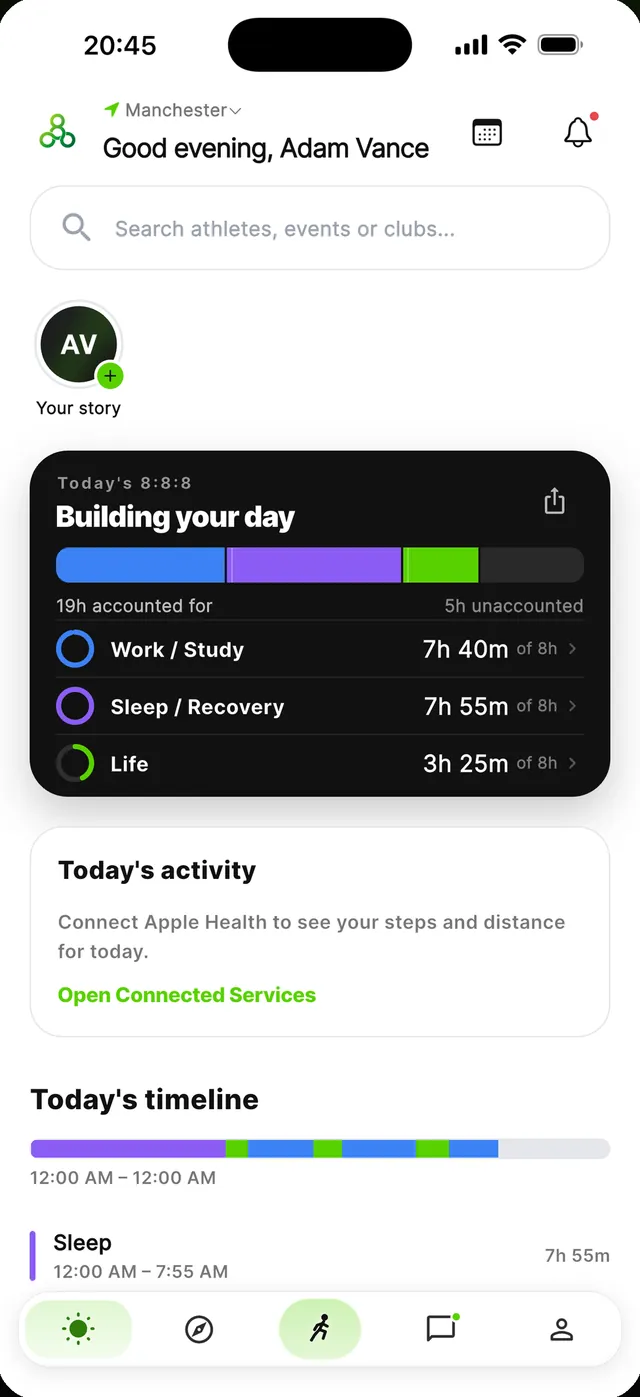
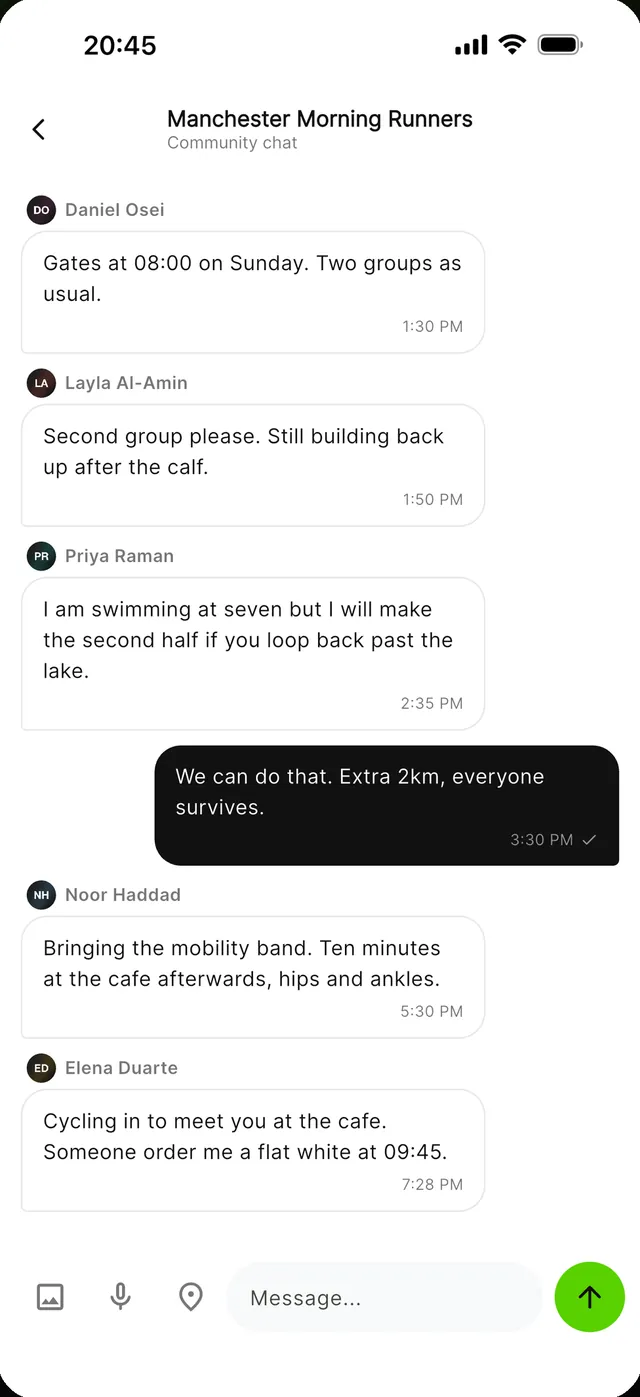
Screens from State888 1.0. Names, times and results shown are sample data.